

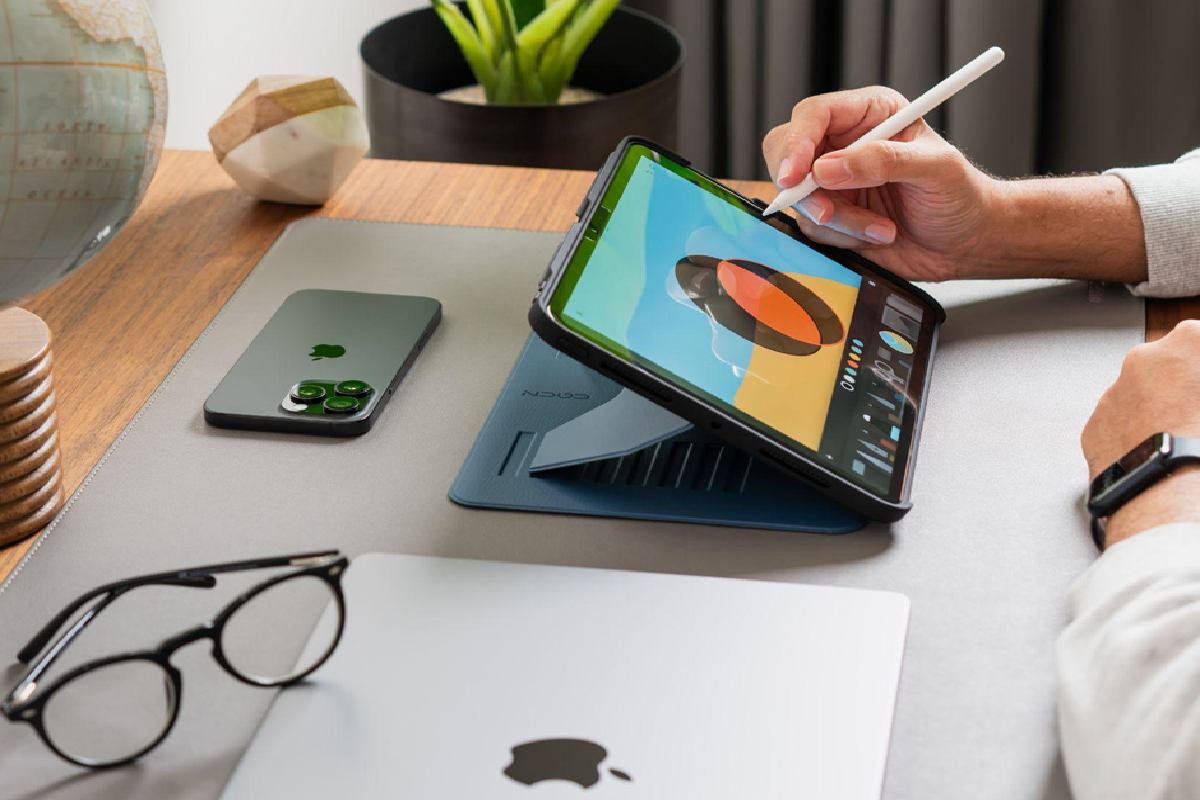
Choosing the right iPad accessories isn’t about buying the most popular items—it’s about building a personalized system that turns your tablet into a true laptop replacement. This guide cuts through the marketing hype. We’ve tested dozens of products to bring you a curated selection based on real-world use, durability, and specific user scenarios, not just specs.
Quick Navigation by User Type:
-
🎓 Students & Note-Takers: Prioritize the Apple Pencil (2nd Gen), a Paperlike Screen Protector, and a Durable Case.
-
💼 Mobile Professionals: Start with a Magic Keyboard competitor, a Universal Docking Station, and a Portable SSD.
-
🎨 Digital Creators: Focus on the Apple Pencil, a Color-Accurate Portable Monitor, and a Drawing Glove.
Part 1: The Foundational Trio (Non-Negotiable Upgrades)
These three accessories provide the most significant universal productivity boost for any iPad user.
1. The Input Revolution: Apple Pencil (2nd Gen) vs. Logitech Crayon
-
The Verdict: For most, the Apple Pencil (2nd Gen) is worth the premium. Its magnetic charging, flawless pressure/tilt sensitivity, and double-tap shortcut are unmatched for note-taking and art.
-
Hands-On Insight: The Logitech Crayon is a fantastic, durable choice only for students or casual users who don’t need tilt sensitivity. Its flat-sided design prevents rolling and it pairs instantly.
-
Pro Tip: Pair the Apple Pencil with a matté screen protector (like Paperlike or iCarez). The paper-like texture reduces glare and provides crucial friction for writing, but be prepared for slight screen clarity reduction.
2. Beyond the Smart Keyboard Folio: The “Laptop Replacement” Keyboard
The Apple Magic Keyboard is brilliant but expensive. The landscape has changed.
| Feature | Apple Magic Keyboard | Logitech Combo Touch | Brydge Max+ |
|---|---|---|---|
| Typing Feel | Excellent, scissor-switch | Very Good, more key travel | Best, laptop-style keys |
| Trackpad | Glass, best-in-class | Plastic, functional | Large, smooth glass |
| Protection | None when detached | Full-wrap case included | Aluminum shell, premium |
| Key Differentiator | Seamless iPadOS integration, sleek profile | Detachable keyboard, kickstand flexibility | Unmatched laptop feel, backlit keys |
| Best For | Professionals who value sleek design | Students & hybrid users needing versatility | Writers & anyone who types for hours |
3. The Single-Port Solution: A True Docking Station
A simple USB-C hub isn’t enough for a workstation. You need a dock that delivers power, display, and connectivity simultaneously.
-
Recommended Pick: HyperDrive 6-in-1 USB-C Docking Station. In our testing, it reliably drove a 4K monitor at 60Hz, connected USB-A peripherals, read SD cards, and delivered pass-through charging to the iPad—all without overheating.
-
Critical Check: Ensure any dock you buy supports USB-C Power Delivery (PD) of at least 60W and HDMI 2.0 for 4K@60Hz output. Avoid cheap, no-name hubs that can’t handle the simultaneous data/power load.
Part 2: Scenario-Specific Deep Dives
🎓 For the Student: Building a Digital Notebook
-
Core Stack: iPad + Apple Pencil + Matté Screen Protector + Durable Case (like OtterBox Symmetry or Zugu Muse).
-
Game-Changer App: GoodNotes 6 or Notability. Use the split-screen feature to have your textbook PDF open next to your notebook.
-
Underrated Accessory: A Page-Flipping Bluetooth Pedal (like the AK-35). Hands-free page turning for musicians or anyone reviewing long PDFs during study sessions.
💼 For the Mobile Professional: The True Portable Office
-
Core Stack: iPad Pro + Brydge Max+ Keyboard + HyperDrive Dock + Portable SSD.
-
The Storage Solution: The Samsung T7 Shield Portable SSD. It’s fast, rugged, and compact. Use the iPad’s Files app to manage projects directly from it, freeing up internal storage.
-
Connectivity Essential: A Global 5G WiFi Hotspot (like GlocalMe G4 Pro). Never rely on coffee shop WiFi for important video calls.
🎨 For the Digital Creator: Unleashing Visual Potential
-
Core Stack: iPad Pro + Apple Pencil + Color-Accurate Portable Monitor (like the ASUS ZenScreen MB16AH) + Drawing Glove.
-
The Monitor Advantage: A second, color-accurate screen is transformative. Use your iPad with Sidecar as the drawing tablet and the portable monitor for your reference images and tool palettes.
-
Ergonomics Matter: A lap desk (like the Besign Adjustable) and a tablet arm mount can prevent neck and wrist strain during long creative sessions.
Part 3: The Hidden Gems & Honorable Mentions
-
UGREEN 100W 4-Port GaN Charger: Replaces the bulky factory charger. Powers your iPad, phone, and accessories simultaneously at high speed. GaN technology keeps it cool and small.
-
Twelve South HoverBar Duo: A versatile, clamp-on arm that holds your iPad at any angle beside your main monitor—perfect for video calls, monitoring chats, or referencing notes.
-
Satechi Aluminum Stand: A simple, weighted, height-adjustable stand that provides the perfect ergonomic viewing angle for desk use with a separate keyboard.
Final Recommendation & Budget Planning
-
Budget-Conscious Starter Kit (< ₹15,000): Logitech Crayon + iCarez Matté Screen Protector + a well-reviewed basic keyboard case.
-
Prosumer Power Kit (₹15,000 – ₹40,000): Apple Pencil (2nd Gen) + Logitech Combo Touch + HyperDrive 6-in-1 Dock + Samsung T7 SSD.
-
All-Out Pro Studio Kit (₹40,000+): Apple Pencil + Brydge Max+ + HyperDrive Dock + ASUS ZenScreen + premium stand/ergonomic accessories.
Remember: Your iPad is a modular computer. Start with the one accessory that solves your biggest immediate pain point (e.g., typing, writing, or connectivity), then build your perfect system from there. Avoid buying a full suite of accessories at once before you know your real workflow needs.